Free Instagram Reels & Video Downloader HD
Download Reels, Videos, Stories, Photos & Carousels without watermark. No login. Fast & secure — works on every device.
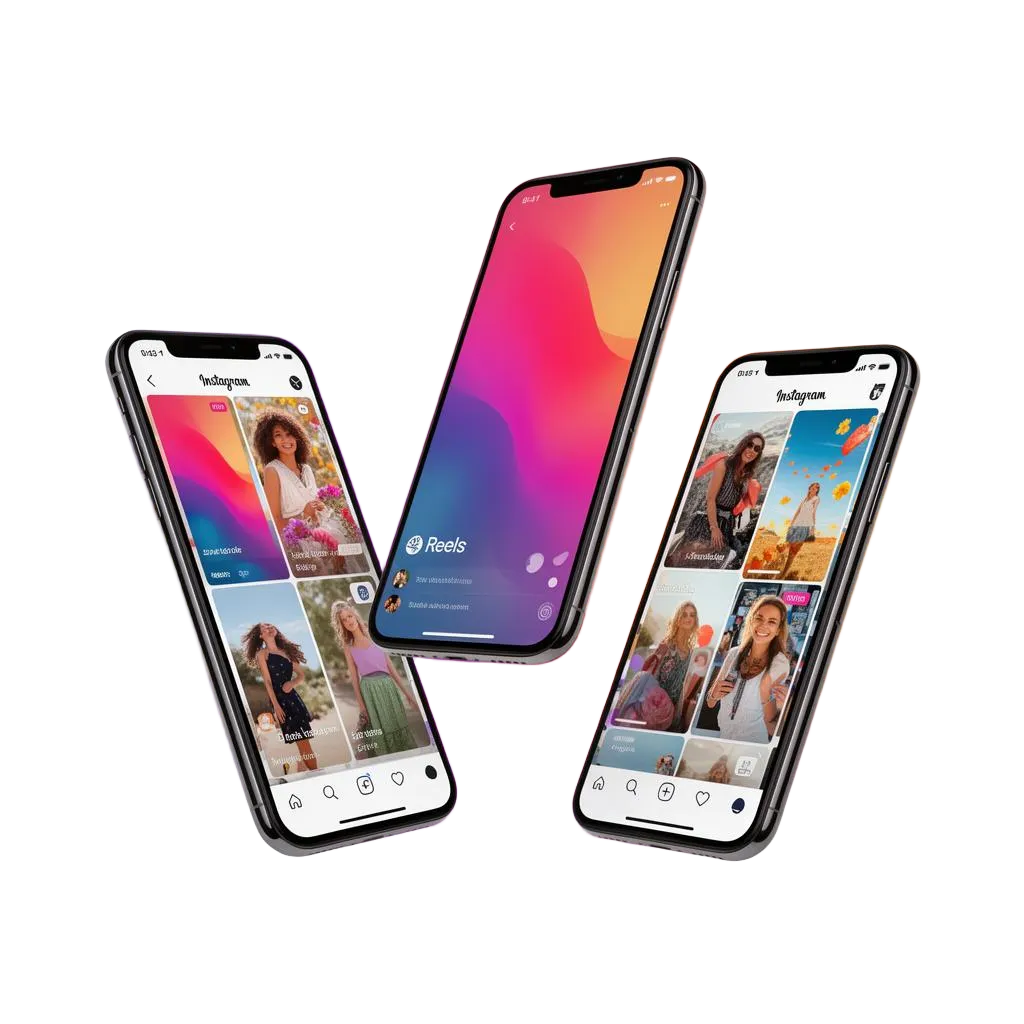
Download Instagram Reels Without Watermark — Free & HD
ReelsVideo.in is a free Instagram Reels downloader that lets you save any Instagram reel in Full HD quality without a watermark. No app download, no login, and no account required — it works directly in your browser on both mobile and PC.
To download a reel, open Instagram, find the reel you want to save, tap the Share button, copy the link, and paste it into the box above. Your reel will be ready to download in seconds.
Our tool supports HD and Full HD (1080p) downloads with no watermark, making it perfect for saving reels for offline viewing, editing, or sharing. We also support Instagram Story downloads, Instagram Profile Photo downloads, and Instagram Highlight downloads.
ReelsVideo.in is completely free to use with no limits on downloads. Whether you want to download one reel or a hundred, our tool handles it instantly.
Important: We only support public Instagram content. Downloading private content is not allowed. Please respect the copyright of creators — content is for personal use only. See our Terms and Privacy Policy.
Download Everything from Instagram
One tool for every type of Instagram content — all in original HD quality.
Why Choose ReelsVideo
Built for creators, marketers and everyday Instagram users.
100% Watermark Free
Get the original MP4 exactly as Instagram serves it — no overlays, no logos.
Original HD Quality
Always grabs the highest available resolution — 720p, 1080p, full-res JPGs.
Lightning Fast
Paste, click, save. Most downloads finish in under 3 seconds.
No Login Required
No login, no tracking, no stored links. Your activity stays yours.
Unlimited & Free
Download as many Reels, Stories and Photos as you want — forever free.
Works Everywhere
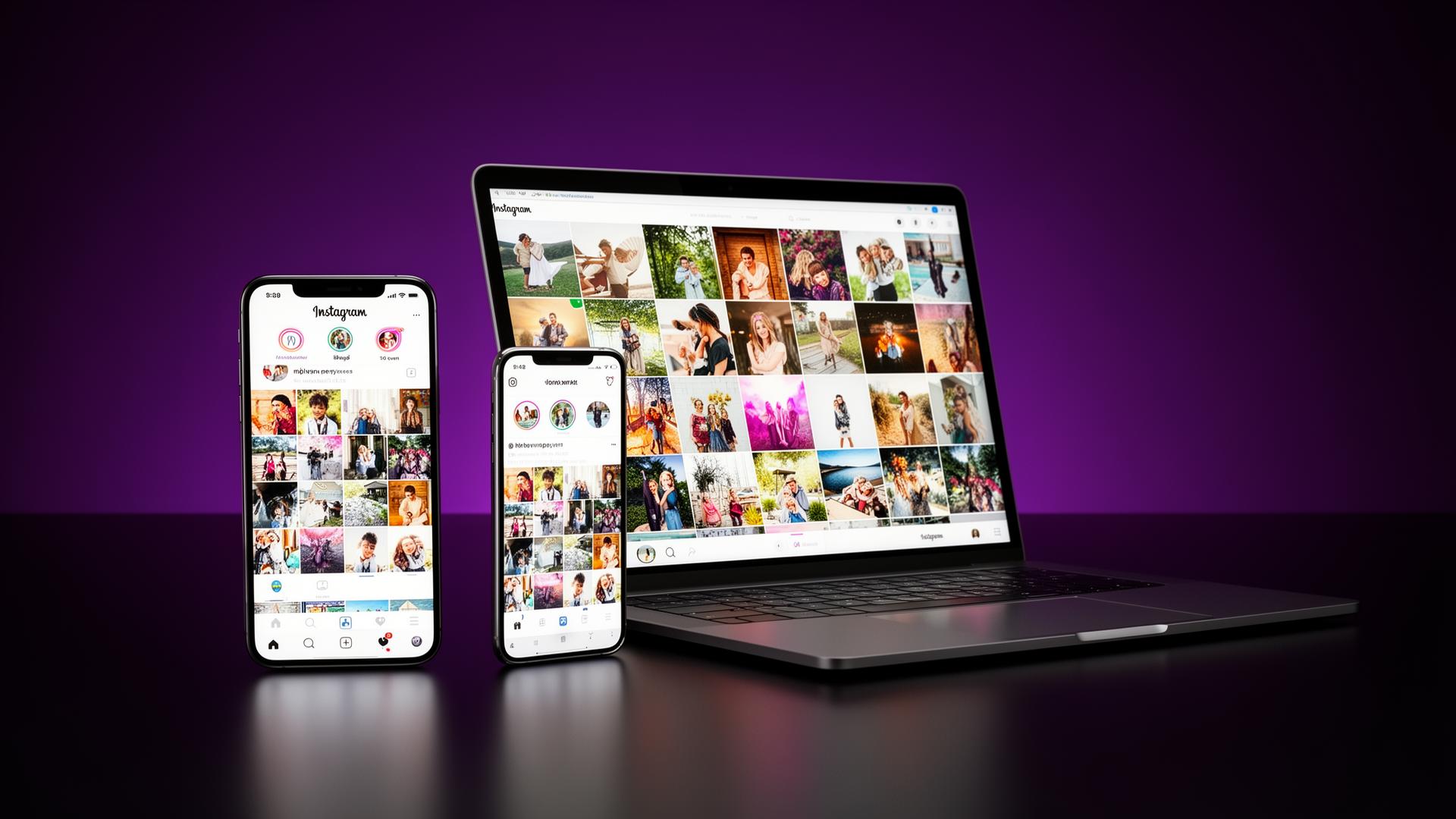
Android, iPhone, iPad, Windows, Mac & Linux — any modern browser.
Download Instagram Reels Without Watermark
ReelsVideo is a free online Instagram Reels downloader that lets you save Reels, Videos, Stories, Photos, and Carousel posts directly to your phone or computer in original HD quality — without any watermark, without installing an app, and without logging in.
Unlike screen recording, downloading the original MP4 keeps the video crisp, the audio clean, and the file lightweight. ReelsVideo works with public Reels, Posts, IGTV videos, Stories, and even multi-image Carousels — all from a single paste-and-download box.
How to Download Instagram Videos in 3 Steps
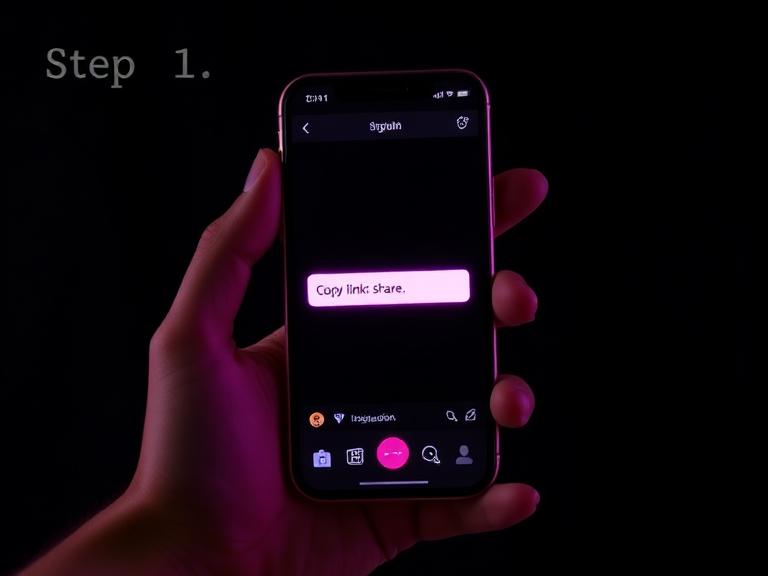 01
01Copy the Link
Open Instagram, tap the share icon on any Reel, Post, or Story, and choose Copy Link.
 02
02Paste Above
Paste the Instagram URL into the input box at the top of this page.
 03
03Download in HD
Click Download and save the video or photo in original high-definition quality.
Instagram Story & Photo Downloader
Instagram Stories disappear after 24 hours, and Highlights can be edited or removed at any time. ReelsVideo lets you save any public Story to your device in seconds so you never lose a memory, behind-the-scenes clip, or limited-time announcement. Just copy the Story or profile link and paste it above.
Need a Photo or a full Carousel post? ReelsVideo extracts every image from a multi-slide post in original resolution — perfect for moodboards, reposting with credit, or building your content library.
Download on Android, iPhone & PC
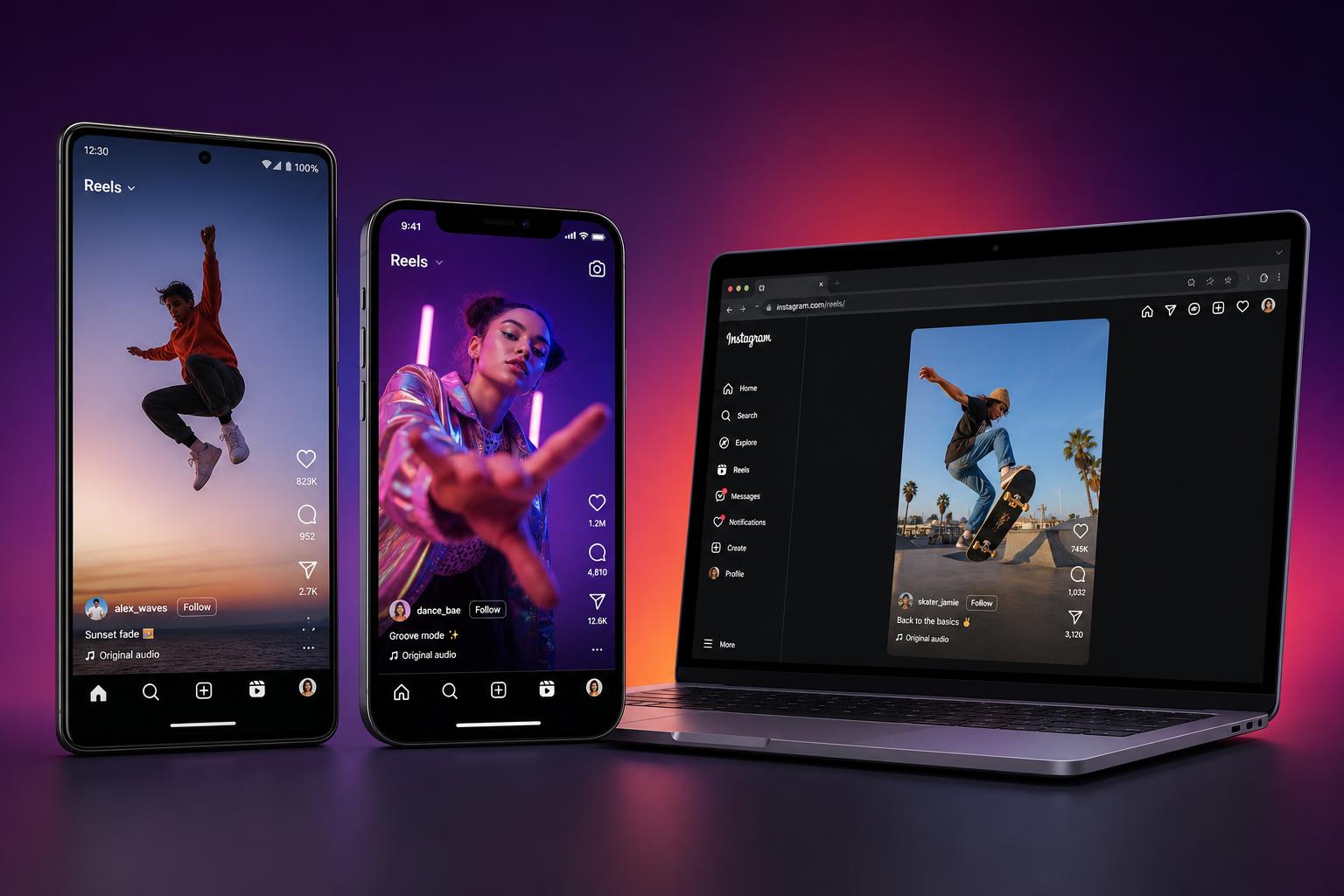
Android
Open Chrome or any browser, paste the link, tap Download. The Reel saves straight to your Gallery.
iPhone & iPad
Use Safari or Chrome on iOS. Tap Download, then save the video to Files or your Photos app.
Windows, Mac & Linux
Works in every desktop browser. Right-click the video and save as MP4 in seconds.
Why Choose Our Instagram Downloader
A watermark is a logo overlay added by lower-quality downloader apps that re-encode the video. It clutters the frame, ruins the aesthetic, and signals the video wasn't captured cleanly. ReelsVideo never adds a watermark — you get the exact MP4 that Instagram serves, untouched.
That matters for creators who want to repurpose their own Reels on TikTok, YouTube Shorts, or LinkedIn without an unwanted brand stamp, and for editors who need clean source footage for stitching, captioning, or remixing.
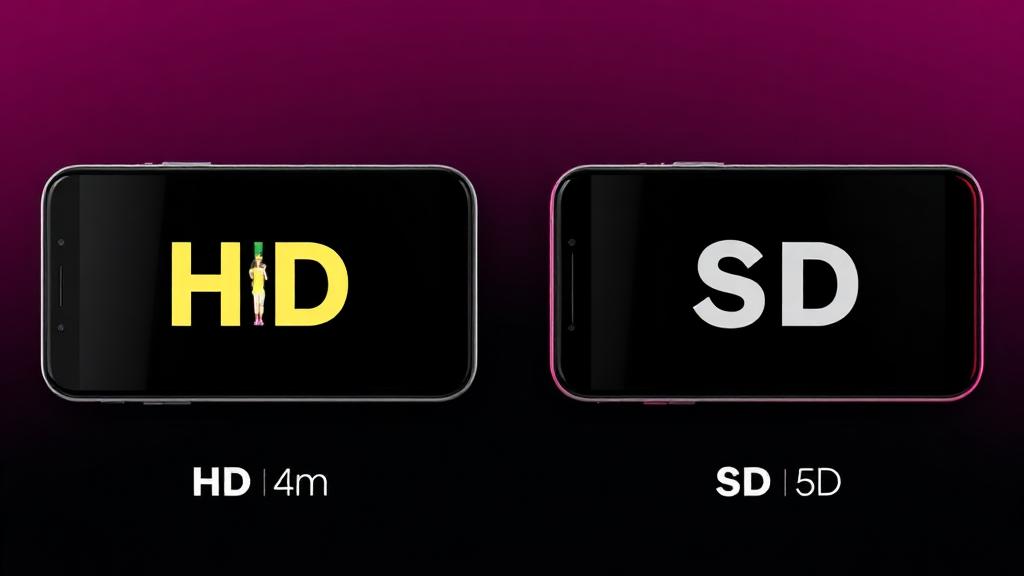
HD vs SD Quality
Instagram serves Reels in multiple resolutions depending on the original upload — typically 720p or 1080p HD. ReelsVideo always requests the highest available quality, so what you download matches what the creator posted. Older posts or videos uploaded from low-bandwidth connections may only have SD versions available; in those cases the downloader will return the best quality Instagram provides.
For Photos and Carousels, you get the full-resolution JPG — no compression beyond what Instagram already applies.
Is It Safe & Legal?
Safe: ReelsVideo never asks for your Instagram username or password, never installs anything on your device, and never stores the links you paste. Everything happens in your browser.
Legal: Downloading public Instagram content for personal use — saving your own Reels, archiving memories, or watching offline — is generally fine. Re-uploading someone else's content without permission, however, may violate copyright and Instagram's terms of service. Always credit the original creator and ask before reposting.
See our Disclaimer and Terms of Service for full details.
Troubleshooting
- Make sure the link starts with https://www.instagram.com/ and points to a public account.
- Private, deleted, or region-restricted Reels cannot be downloaded — Instagram blocks access.
- If a download fails, try refreshing the page, clear your browser cache, and paste the link again. Still not working? Contact our support team.
- On iPhone, long-press the video and choose Save to Photos if your browser doesn't auto-download.
- Clear your browser cache if you see an old preview, then paste the link again.
Still stuck? Visit our FAQ or contact support.

Frequently Asked Questions
Everything you need to know about downloading Instagram Reels, Videos, Stories and Photos.