Instagram Reels Downloader HD
Save trending Instagram Reels in original 1080p HD MP4 — no watermark, no login, no app. Paste any public Reel link and download in seconds on iPhone, Android, or desktop.
Important: We only support public Instagram content. Please respect creator copyright. See our Terms and Privacy Policy.
How It Works in 3 Steps
 01
01Copy Reel Link
Tap the share icon on any public Instagram Reel and choose Copy Link.
 02
02Paste Above
Paste the Reel URL into the input box at the top of this page.
 03
03Tap Download
Click FastDL and save the Reel in HD MP4 to your phone or computer.
Download Instagram Reels Without Watermark in HD
ReelsVideo is a dedicated Instagram Reels downloader built for one job: pulling clean, full-resolution Reels straight from Instagram to your device. No watermark is added. No re-encoding takes place. The MP4 you download is bit-for-bit the same file Instagram serves to its app — typically 1080p vertical 9:16 video with the original audio track and embedded captions.
Most browser-based Reels savers either inject their own logo into the bottom corner or compress the file to save bandwidth. We use direct API calls to FastDL, SnapInsta and SaveFromIns, three providers that consistently return the original CDN URL untouched. The result: a Reel you can repost on TikTok or YouTube Shorts, edit in CapCut, or simply rewatch offline — without any visual clutter.
Whether the Reel is 5 seconds or the full 90, square cropped or vertical, with trending audio or original sound, the workflow is the same: copy the link, paste it, tap download. The entire process takes under ten seconds on a normal connection.
Save Trending Reels and Viral Audio
Trends move fast on Reels. A dance, recipe, transition or meme can rack up millions of views in a day and disappear from your feed by the next. Our Instagram Reels downloader gives creators, marketers and editors a fast way to grab inspiration before it scrolls away — perfect for swipe files, mood boards, content audits, or repurposing your own Reels onto other platforms.
Because we preserve the original audio track, you can use the saved MP4 as a reference for matching the trending sound, lip-sync timing, or beat drops. Editors who recreate trends in CapCut, Premiere or Final Cut Pro often start by downloading a few reference Reels in HD so they can frame-step through transitions and replicate the cuts exactly.
Built for Creators, Editors and Social Media Managers
If you publish to Instagram, you already know the platform doesn't give you an easy way to back up your own Reels in their original quality. The official Data Download returns lower-bitrate copies bundled into a ZIP archive that can take hours to arrive. ReelsVideo solves that — paste your own Reel URL and get the HD MP4 instantly, ready to repurpose for YouTube Shorts, TikTok, Pinterest, LinkedIn or your client's drive.
Social media managers running brand accounts use the same workflow to archive every published Reel into a content library, audit competitor accounts, and pull reference clips for pitch decks. Because nothing is stored on our servers, every download is private to your browser session.
HD MP4 Quality Explained
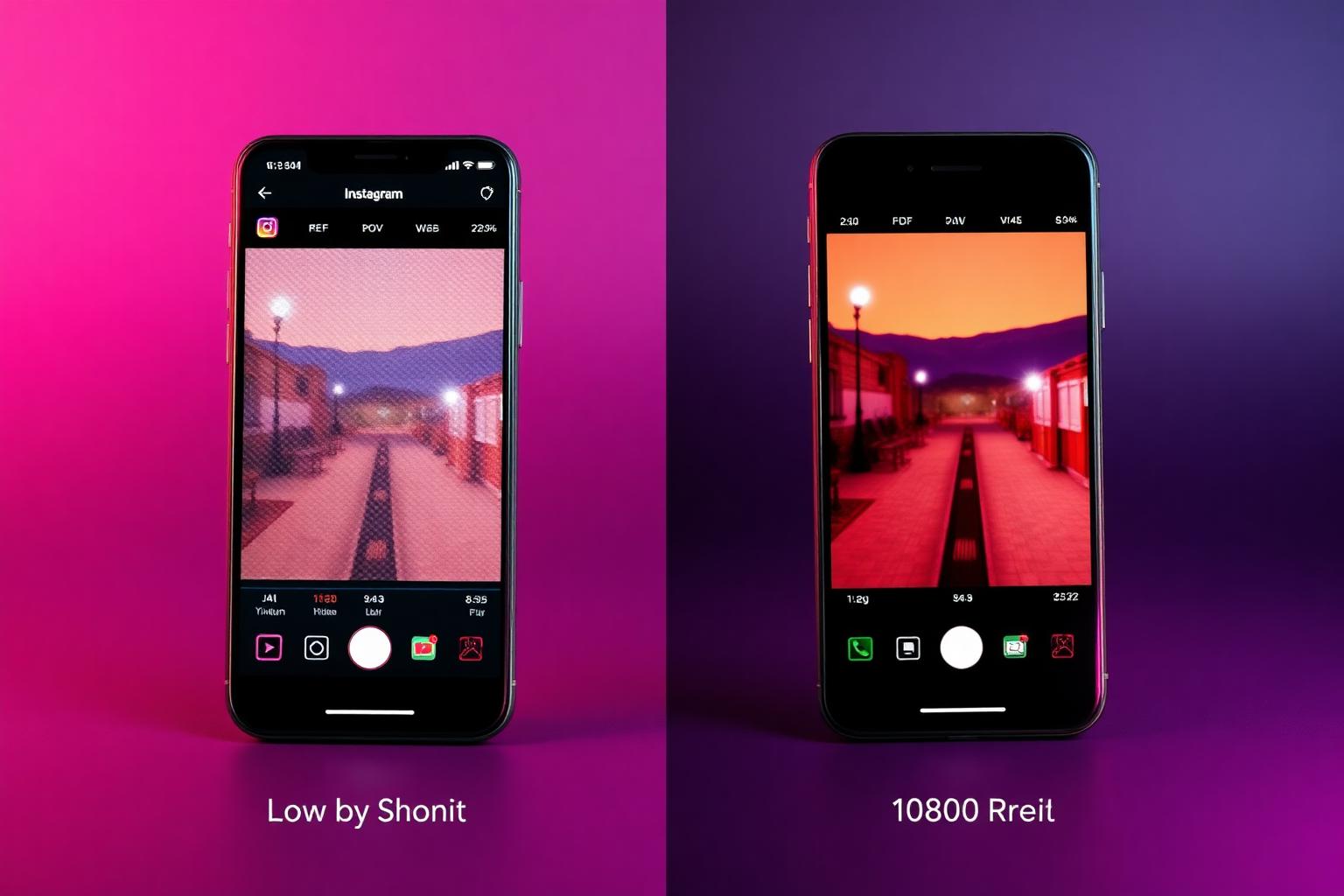
Instagram encodes Reels in H.264 video and AAC audio inside an MP4 container. When the original is uploaded in 1080p, the version delivered to viewers is 1080p — and that's what our downloader returns. Reels uploaded from older devices or low-bandwidth connections may only exist in 720p or lower; in those cases we always fetch the highest available variant.
Audio is preserved at the original bitrate so synced music stays crisp. If a Reel uses Instagram's licensed music library, the audio comes through exactly as it plays on the platform. Edits made by the creator — speed ramps, slow motion, color grading, text overlays, captions, stickers — are all baked into the file and travel with the download.
Works on Every Device
iPhone & iPad: Open this page in Safari or Chrome, tap FastDL, then choose Save to Photos or Files when the preview opens. Saved Reels appear in the Photos app immediately, ready to share or edit in iMovie.
Android: Open in Chrome, Firefox or Samsung Internet. The MP4 downloads to your Downloads folder and is automatically indexed in Gallery and Google Photos.
Windows, Mac, Linux & ChromeOS: Any modern browser works. The file saves to your default downloads location as a standard MP4 you can drop into any video editor.
Is It Safe and Legal?
Safety: ReelsVideo never asks for your Instagram username, password, or any personal information. We don't install software on your device, don't track which Reels you save, and don't keep server-side logs of pasted links. The actual download happens between your browser and the chosen provider over HTTPS.
Legality: Saving a public Reel for personal offline viewing or for backing up your own content is generally accepted. Re-uploading another creator's Reel to your own account or to another platform without explicit permission may violate copyright law and Instagram's Terms of Service. Always credit the original creator and ask first.
Explore More Tools
Frequently Asked Questions
Everything you need to know about saving Instagram Reels in HD without watermark.