Instagram MP3 Downloader
Extract audio from Instagram Reels, IGTV and videos in original quality. Save trending sounds, voiceovers, and music tracks as MP3 — free, no login, no app required.
Important: We only support public Instagram content. Please respect creator copyright. See our Terms and Privacy Policy.
How It Works in 3 Steps
 01
01Copy Video Link
Open the Reel or video on Instagram and tap Share → Copy Link.
 02
02Paste & Download
Paste the URL above and click FastDL to save the MP4 with audio.
 03
03Convert to MP3
Use any free MP4-to-MP3 converter to extract the audio track.
Extract Audio and MP3 from Instagram Videos
ReelsVideo's Instagram MP3 downloader workflow makes it easy to grab the audio track from any public Reel, IGTV, or feed video. Instagram only serves video and audio together inside an MP4 container, so the process is two short steps: download the original MP4 here, then run it through any free MP4-to-MP3 converter to isolate the audio.
The audio you save is bit-for-bit identical to what plays inside the Instagram app — original music, voiceovers, sound effects, ambient audio, narration. No watermark, no voiceover, no quality loss introduced by our tool.
Save Trending Reels Audio and Viral Sounds
Reels trends are driven by audio. A single sound can spawn thousands of remixes in a week — dance challenges, transitions, jokes, recipes timed to a beat. Creators and editors who want to recreate or analyze a trend often need the raw audio first, so they can match cuts, lip-sync timing, or beat drops in their editor.
By saving the MP4 here and converting to MP3, you get a clean reference track for CapCut, Premiere Pro, Final Cut Pro, DaVinci Resolve or any DAW. Use it for inspiration, frame-step reference, or sound design study — keeping in mind that copyrighted Instagram library music requires a license for any commercial reuse.
Voiceovers, Podcasts and Long-Form Audio
Many creators publish full voiceover essays, podcast clips, interviews, audiobook excerpts and educational explainers as Reels or IGTV videos. Pulling the audio as MP3 lets you listen offline like a podcast — perfect for commutes, workouts, or long drives where staring at vertical video isn't practical.
IGTV episodes can run up to 60 minutes, making them an ideal source for podcast-style listening. Our IGTV downloader handles long-form videos exactly the same way — save the MP4, convert to MP3, listen anywhere.
How to Convert MP4 to MP3 (Free Tools)
Desktop: VLC Media Player (Convert/Save → Profile: Audio MP3), Audacity (open MP4 with FFmpeg, export as MP3), HandBrake, or any of the free online converters like CloudConvert.
iPhone & iPad: Documents by Readdle, Media Converter, or CapCut — all let you import an MP4 and export the audio as MP3.
Android: Video to MP3 Converter, Timbre, or InShot — most are free and produce 128–320 kbps MP3 files in seconds.
All of these preserve the original Instagram audio quality. Re-encoding to 192 kbps MP3 is generally a safe sweet spot between file size and quality.
Audio Quality and Format Details
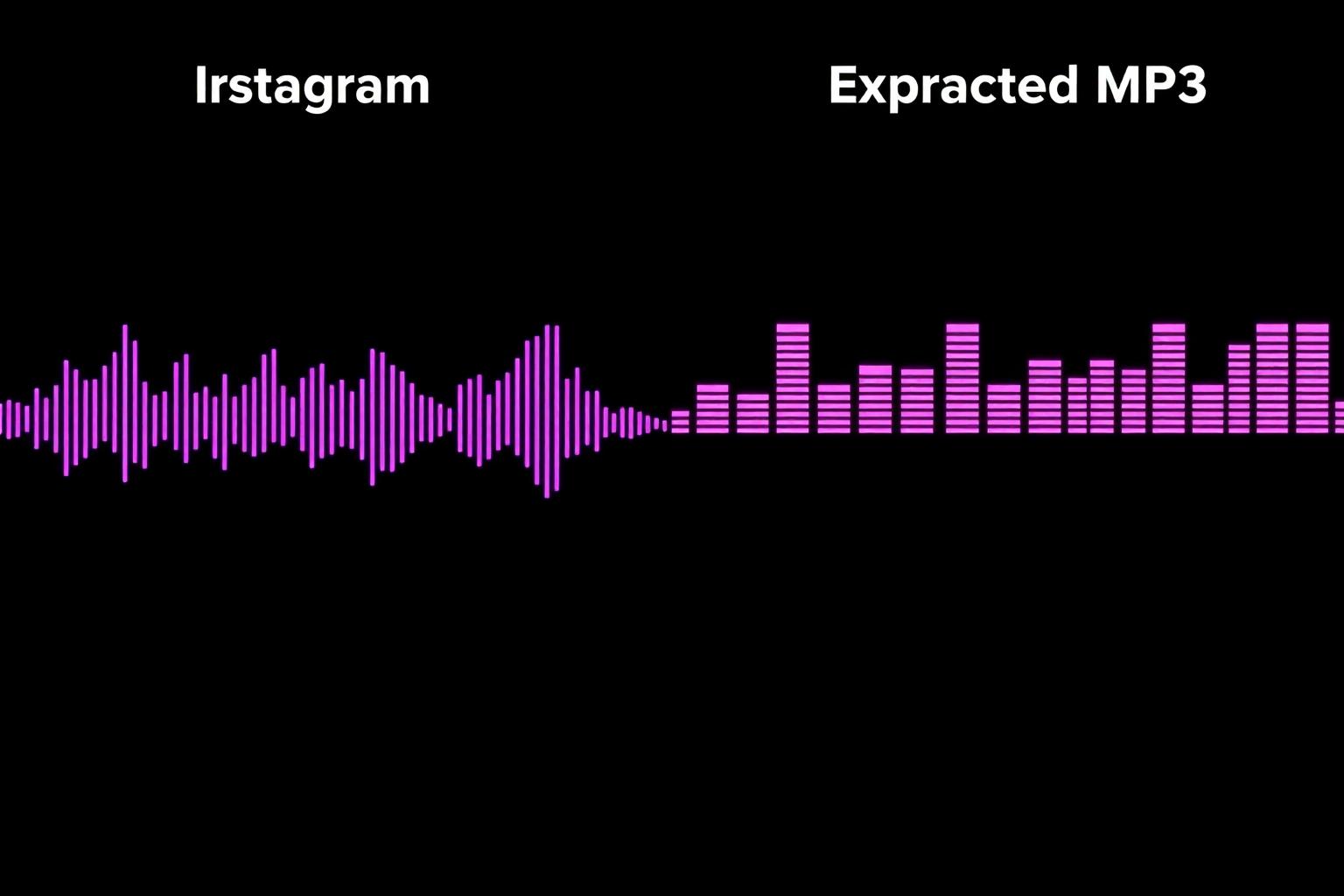
Instagram encodes audio as AAC (Advanced Audio Coding) inside the MP4 container, usually at 128 kbps stereo with a 44.1 kHz sample rate. AAC is a modern, efficient codec that already sounds clean at moderate bitrates.
When you convert AAC to MP3 you're going from one lossy format to another, so the smart play is to encode the MP3 at an equal or slightly higher bitrate (192–256 kbps) to avoid noticeable quality loss. For archival, you can also keep the original MP4 unchanged — every modern player and editor handles AAC audio natively.
Copyright, Licensing and Fair Use
Music and audio on Instagram belong to the original artist or rights holder. Saving a track for private personal listening is generally accepted under fair-use practices in many countries. However, re-uploading copyrighted audio to your own social channels, monetizing it, or distributing it commercially without a license is illegal in most jurisdictions.
If you're a creator and want to use a trending sound in your own published Reel, the safest path is to add it through Instagram's built-in audio library — Instagram has the necessary licenses with most major labels for in-app use. For external use, contact the rights holder or use royalty-free alternatives.
Explore More Tools
Frequently Asked Questions
Everything you need to know about extracting audio and MP3 from Instagram videos.