Instagram Story Downloader
Save active Instagram Stories and Highlights before they vanish — anonymously, in original HD, with no login required. Works for any public account on iPhone, Android, and desktop.

Important: We only support public Instagram content. Please respect creator copyright. See our Terms and Privacy Policy.
How It Works in 3 Steps
 01
01Copy Profile or Story Link
Open Instagram, copy the URL of the public profile or active Story you want.
 02
02Paste Above
Drop the link into the input box at the top of this page.
 03
03Download in HD
Click FastDL to save the Story video or photo to your device instantly.
Save Instagram Stories Before They Disappear
Instagram Stories last 24 hours and then vanish forever — unless the creator pins them to a Highlight. ReelsVideo's Instagram Story downloader lets you save any active public Story to your phone or computer in seconds, in original HD, without an account or app.
Whether you want to archive a friend's announcement, capture an event you attended, or back up your own Stories before they expire, the workflow is the same: paste the profile URL or Story link, hit FastDL, and the video or photo downloads instantly. No screenshots, no screen recordings, no Instagram notification to the original poster.
Anonymous Story Viewing and Downloading
Normally when you watch someone's Story on Instagram, your username appears in their viewer list. With ReelsVideo, the request is made by our downloader providers — not from your Instagram account — so the creator never sees you in the viewer list. You can browse and save Stories completely anonymously.
This is useful for journalists doing source research, recruiters checking public profiles, brand-safety teams monitoring competitor content, or anyone who simply prefers privacy. Of course, anonymous viewing only works on public accounts; private profiles still require a follow request approved by the user.
For a richer anonymous-viewing workflow with a built-in viewer, see our Instagram Story Viewer & Downloader page.
Download Story Highlights and Pinned Collections

Highlights are Stories the creator chose to pin permanently to their profile. They live forever (until the creator removes them) and group thematically — Travel, Recipes, Reviews, Outfits, FAQs, and so on. Our tool can pull every clip inside any public Highlight in original HD.
This is the easiest way to back up an entire Highlight collection from a brand, influencer, or your own account, in the same order the creator arranged them. Each clip downloads as a separate file so you can re-edit or repurpose them independently.
Original HD Quality and Format
Video Stories are saved as 9:16 vertical MP4 files (typically 1080×1920) with the original audio track. Photo Stories are saved as full-resolution JPG images. Stickers, polls, music titles, location tags, captions, and any other overlay added by the creator are baked into the file and stay visible after download.
Nothing is re-encoded by ReelsVideo, so the quality you save matches what Instagram serves to its app. Files are immediately ready for editing in CapCut, Premiere, iMovie, or simply rewatching offline.
Works on Every Device
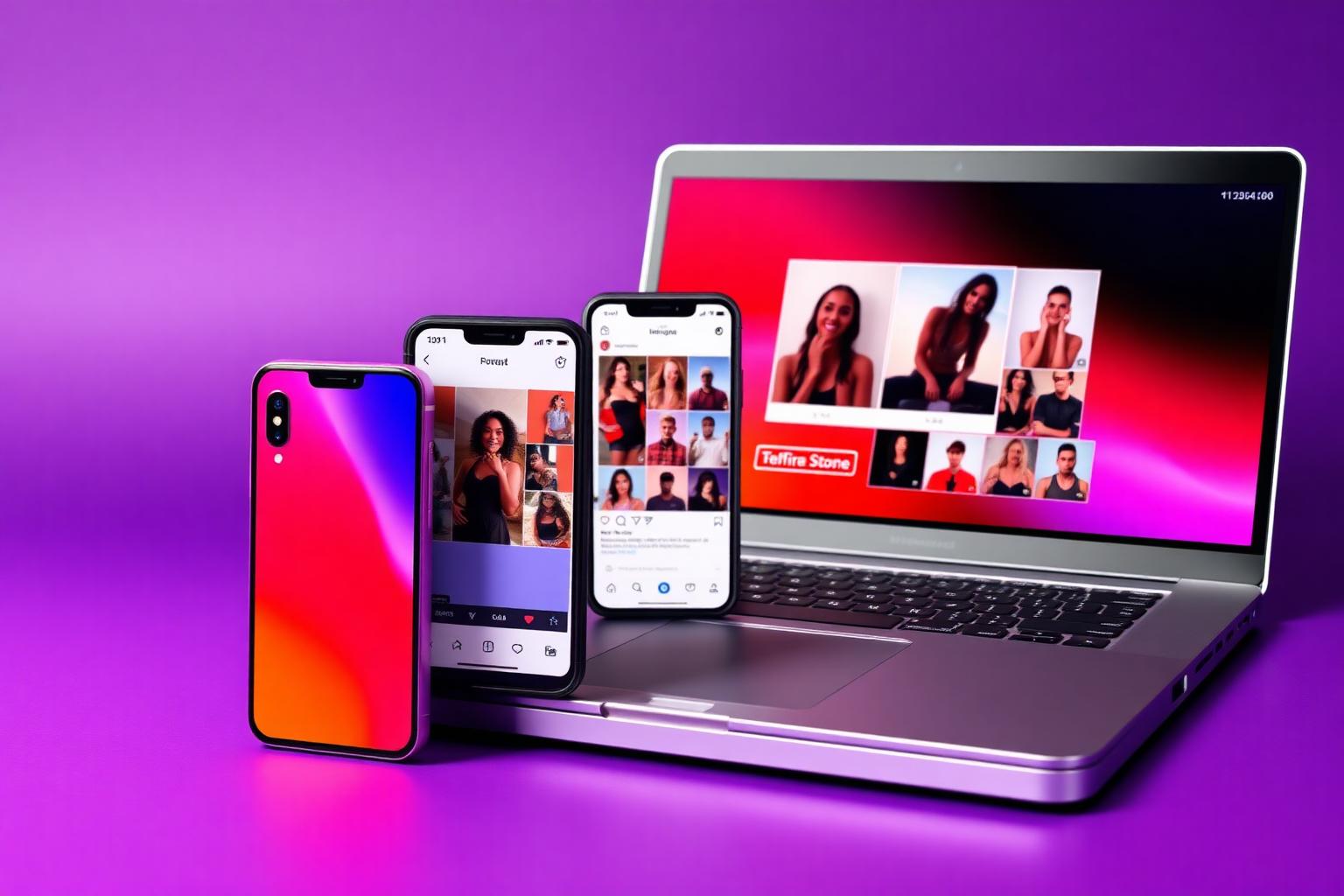
iPhone & iPad: Use Safari or Chrome. After tapping FastDL, save the video or photo to your Photos app or Files.
Android: Open in Chrome, Firefox or Samsung Internet. Files download to your Downloads folder and appear in Gallery automatically.
Desktop: Works in every modern browser on Windows, Mac, Linux, and ChromeOS. Files save to your default downloads location.
Privacy, Anonymity and Copyright
ReelsVideo never asks for your Instagram username or password. We don't track which accounts you look up, don't store the links you paste, and don't keep server-side download logs. The download happens between your browser and the chosen provider over HTTPS.
Saving public Stories for personal use is generally accepted. Re-uploading someone else's Story to your own account or to another platform without explicit permission may violate copyright and Instagram's Terms of Service. Always credit the original creator. See our Disclaimer for full details.
Explore More Tools
Frequently Asked Questions
Everything you need to know about saving Instagram Stories and Highlights anonymously.